
iLO Control Software
The graphical lift-out control software — drag-and-drop positioning with automatic beam, rotation and magnification compensation.
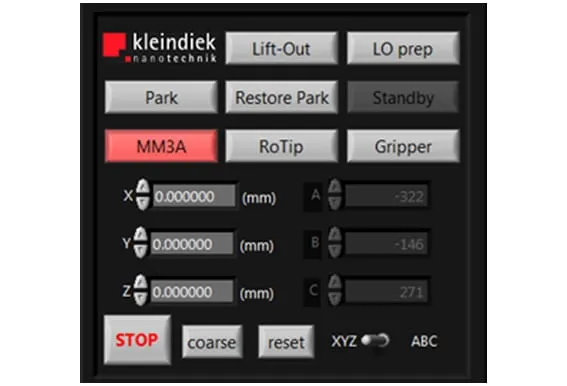
Two-handed, three-axis control#
iLO splits control across both hands: the microscope’s mouse drives X and Y, a jog dial handles Z. Once you start moving, the Lift Out tool becomes the mouse pointer itself, so drag-and-drop feels immediate rather than indirect. Behind that, iLO reads the microscope’s magnification, scan rotation and beam data directly from its software interface and rescales manipulator speed to match automatically — you don’t hand-tune speed as the field of view changes.
Calibrate once, trust the geometry#
The iLO Calibration Wizard runs a step calibration once per setup. After that, X and Y motion track the image plane and Z motion is true Cartesian rather than resolved from the manipulator’s native axes. Two fixed positions — Park, for full retraction, and a closer Standby — sit ready between consecutive lift-outs.
One interface for the whole toolset#
The MGS2-EM microgripper and the RoTip-EM plug-in tool run from the same panel. Once the RoTip-EM is calibrated, it performs continuous compucentric rotation to keep the region of interest centred as you rotate the sample. iLO itself runs on the microscope PC and needs only one USB 2.0 port, with support for Windows XP (SP3) or Windows 7.
Technical data
Requirements
- Interface
- 1× USB 2.0
- Operating system
- Windows XP (SP3) or Windows 7
- Runs on
- Microscope PC
See it run
What it’s used for
 Materials Science
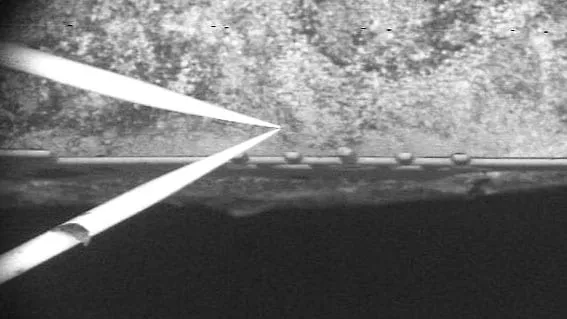
TEM Sample Preparation
Cut out and lift microscopic, electron-transparent lamellae for transmission electron microscopy, faster, more accurately and more reliably.
Explore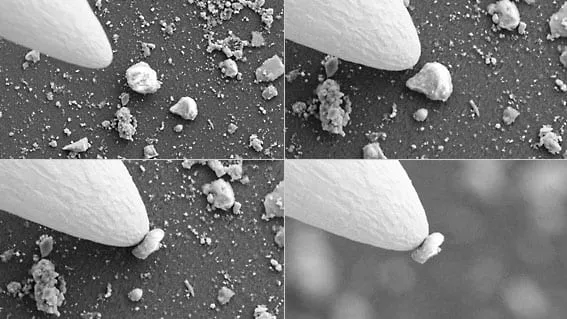 Materials Science
Nanomanipulation
Pick up, position and assemble nano-objects (wires, particles, flakes) inside the electron microscope.
ExploreRelated products & accessories
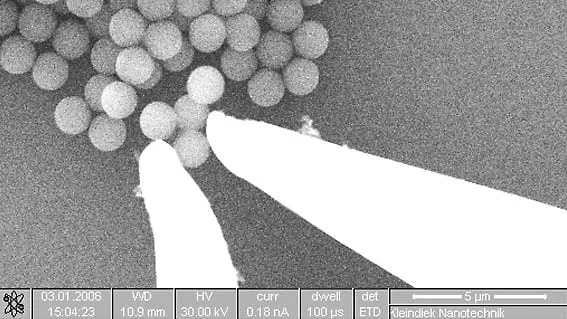
Micro Gripper MGS2
A two-jaw micro-gripper that picks up, holds and repositions micro-objects inside the electron microscope.
View product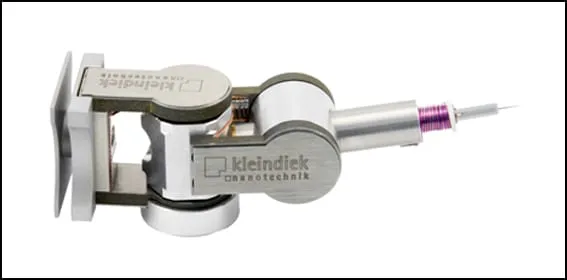
MM3A-EM
The industry-standard spherical micromanipulator — the platform every Kleindiek plug-in tool attaches to, with 3000+ units in the field.
View product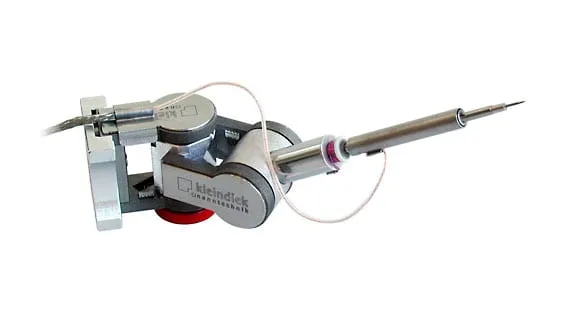
RoTip
A rotational-axis plug-in that adds a fourth degree of freedom — continuous 0.1° rotation for true FIB lathe milling, tomography and STEM.
View productTalk to an application engineer
Tell us your sample and your microscope — we’ll walk you through the workflow and route you to the right regional team.